Don't Get Hooked!

Your Guide to Recognizing and Avoiding Email Phishing

Scroll down to begin

What is Phishing?

Phishing is a type of cyber attack where criminals send fraudulent emails that seem to come from a legitimate source. Sometimes, they even follow up with phone calls (vishing) or use AI-generated deepfake videos.

The goal is to trick you into revealing sensitive information, like passwords, credit card numbers, or company data.

A cheerful and friendly cartoon style illustration of an email with a fishing hook.
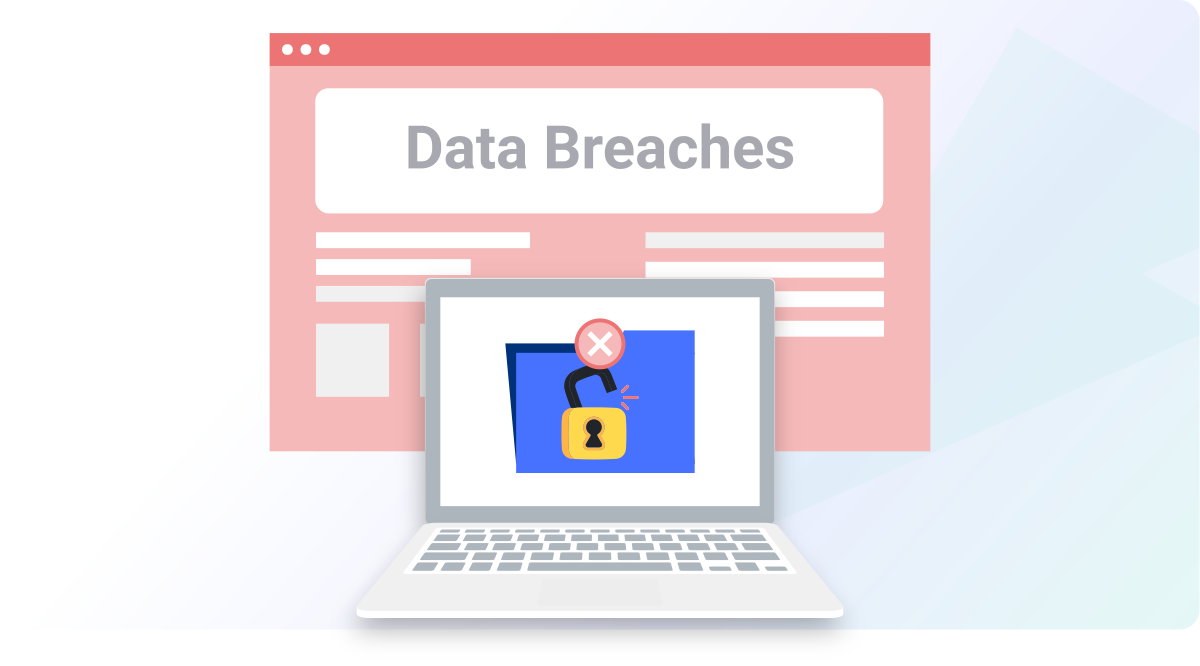
Illustration of a company data breach

The Consequences Are Real

A single click can have devastating effects:

  • For You: Identity theft, stolen passwords, and compromised personal accounts.
  • For the Company: Financial loss, data breaches, reputational damage, and legal trouble.
  • For our Customers: Their sensitive information could be leaked, destroying their trust in us.

Stats & Stories: The Real Impact

By the Numbers

In the first quarter of 2023 alone, the Hong Kong Police Force recorded:

1,408

phishing scams, leading to

HK$26.1 Million

in losses.

A True Story

A 65-year-old accountant lost his entire life savings.

He received a text message about expiring loyalty points and clicked a link to redeem them. He entered his credit card information on a fake website to get a pair of headphones.

Scammers stole over HK$700,000 from his account over several days. One click is all it took.

Common Phishing Characteristics

Suspicious Sender

The sender's name or email address is slightly off or doesn't match a known contact.

Urgency or Threats

Language that demands immediate action to avoid a negative consequence (e.g., "account suspension").

Generic Greetings

Uses "Dear Customer" or "Hi there," instead of your actual name.

Bad Grammar & Spelling

Legitimate companies proofread their emails. Mistakes are a major red flag.

Undisclosed Recipients

The email is sent to a long list of people, or you're BCC'd on an email to "undisclosed recipients."

Suspicious Links/Attachments

Unexpected attachments (especially .zip files) or links that reveal a strange URL when you hover over them.

Spot the Phish (1/2): IT Alert

Click on the red flags in the email below. There are 4 of them!

From: IT-Support@corporation-mail.com

Subject: Urgent: Your Account Requires Immediate Validation


Dear Valued Employee,

Our records indicate your account has unusual activity. For your security, you must validate your account immediately to avoid suspension.

Please click here to update your credentials: http://corporation-mail.security-update.com

Thank you,

The IT Department

Flags Found: 0 / 4

Spot the Phish (2/2): Fake Invoice

This one is a bit different. Find the 4 red flags in this invoice email.

From: accounts@officesupplies-global.com

Subject: Action Required: Unpaid Invoice #84321

Attachments: Invoice_Details.zip


Hi there,

Attached is your invoice for last month's order. Payment is overdue and late fees will be applied if not paid within 24 hours.

Please review the attached invoice and remit payment immediately.

Thank you,

The Accounts Team

Office Supplies Inc.

Flags Found: 0 / 4

Scenario Quiz (1/5): Combined Threat

You receive the email below. A minute later, you get a call from an "IT Help Desk" agent asking you to follow the email's instructions. **What is the best course of action?**

From: IT Help Desk

Subject: [EXTERNAL] Urgent Account Verification Required


Dear Customer,

We regret to inform you that there has been an issue with your account... To ensure the security of your account... we kindly request you log in and update your login credentials.

Please click on the following link to verify your account details... [Select here to update login credentials!]

Failure to verify your account within 24 hours may result in temporary suspension...

A) Follow the instructions and click on the provided link to update your login credentials promptly.
B) Provide your login credentials over the phone as requested by the caller to comply with the security update.
C) Hover over the link to check if the URL matches the text in the email.
D) Hang up the call, block the sender, and then report the email using the "Report Phishing" button.

Scenario Quiz (2/5): The Tempting Offer

You receive an email with an exclusive offer that seems too good to be true. **What do you do?**

From: Dream Escapes

Subject: [EXTERNAL] Exclusive Limited-Time Offer: 80% Off Your Dream Vacation!


Dear Travel Enthusiast,

Get ready for an exclusive opportunity to fulfill your wanderlust! Our "Escape in Style" promotion brings you an incredible 80% discount on luxury travel packages...

Discover the allure of these remarkable destinations: [Link]

At Dream Escapes, your satisfaction and safety are our top priorities...

A) Click on the provided link to have a quick look at the destinations on offer.
B) Delete the email without taking any action, considering it as potential spam.
C) Reply to the email and inquire about the details and terms of the offer.
D) Forward the email to your friends and family, urging them to have a look.
E) Report the email using the PhishAlarm button in Outlook.

Scenario Quiz (3/5): Malware Symptoms

Your computer has been acting strangely. **Which of the following are potential signs of a malware infection?** (Select all that apply, then click Submit)

Illustration of a computer with many error popups
A) Increased system performance and faster response times.
B) Unexpected pop-up advertisements, add-ons or toolbars appearing.
C) Improved internet connection speed and smoother online experience.
D) Files and folders mysteriously disappearing from your computer.
E) Your anti-virus software sends pop-up alerts that files have been cleaned.

Scenario Quiz (4/5): MFA Fatigue

You're receiving an unusually high number of MFA requests you didn't initiate. **What should you do?** (Select all that apply, then click Submit)
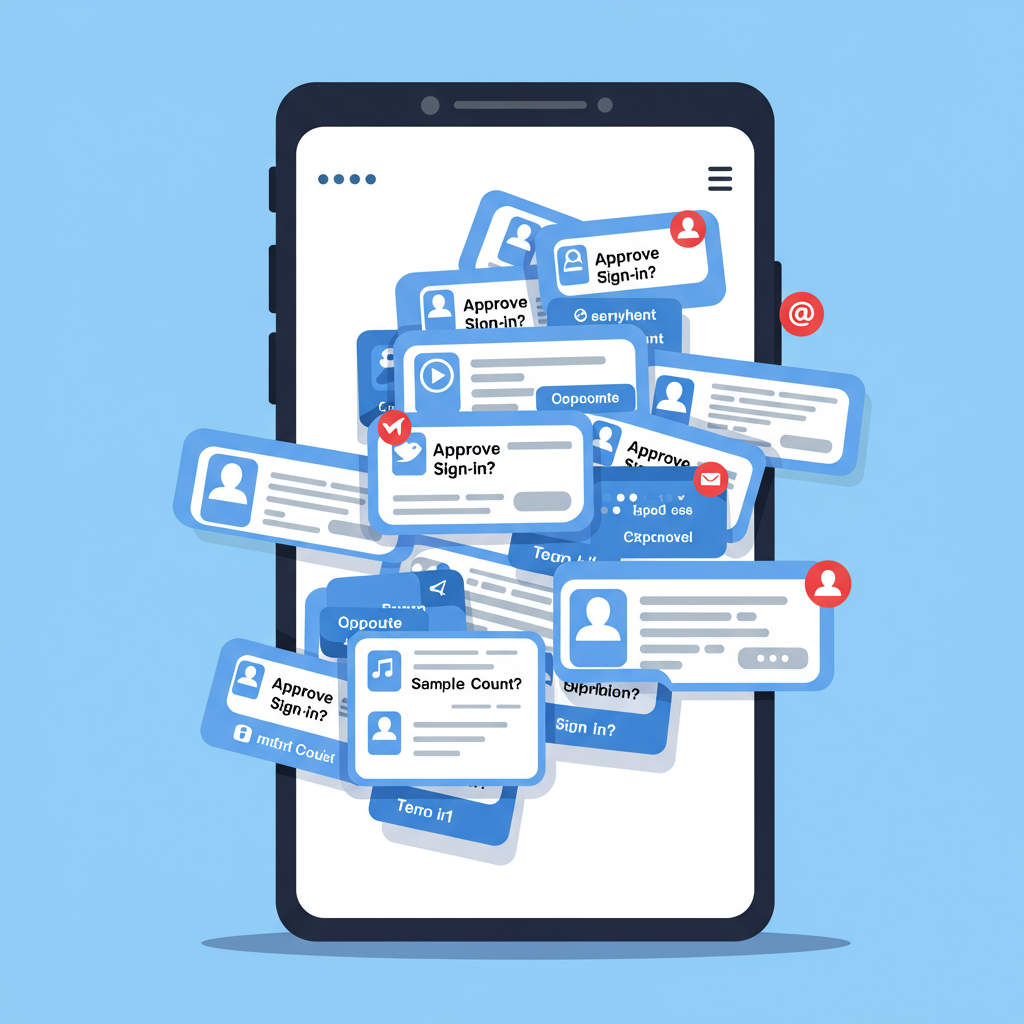
Illustration of a phone with many MFA push notifications
A) Respond to all MFA requests to ensure secure access to your systems.
B) Ignore the excess MFA requests and notify Cyber Security immediately.
C) Share the MFA requests with your colleagues to seek their advice.
D) Disable MFA temporarily to alleviate the overwhelming influx of requests.
E) Call your local Service Desk and have your password reset immediately.

Scenario Quiz (5/5): The Deepfake Deception

You get an email about a promotion with a video from your manager. The video looks real, but you notice slight inconsistencies. It asks you to click a link to update tax info for your "new salary". **What should you do?** (Select all that apply, then click Submit)
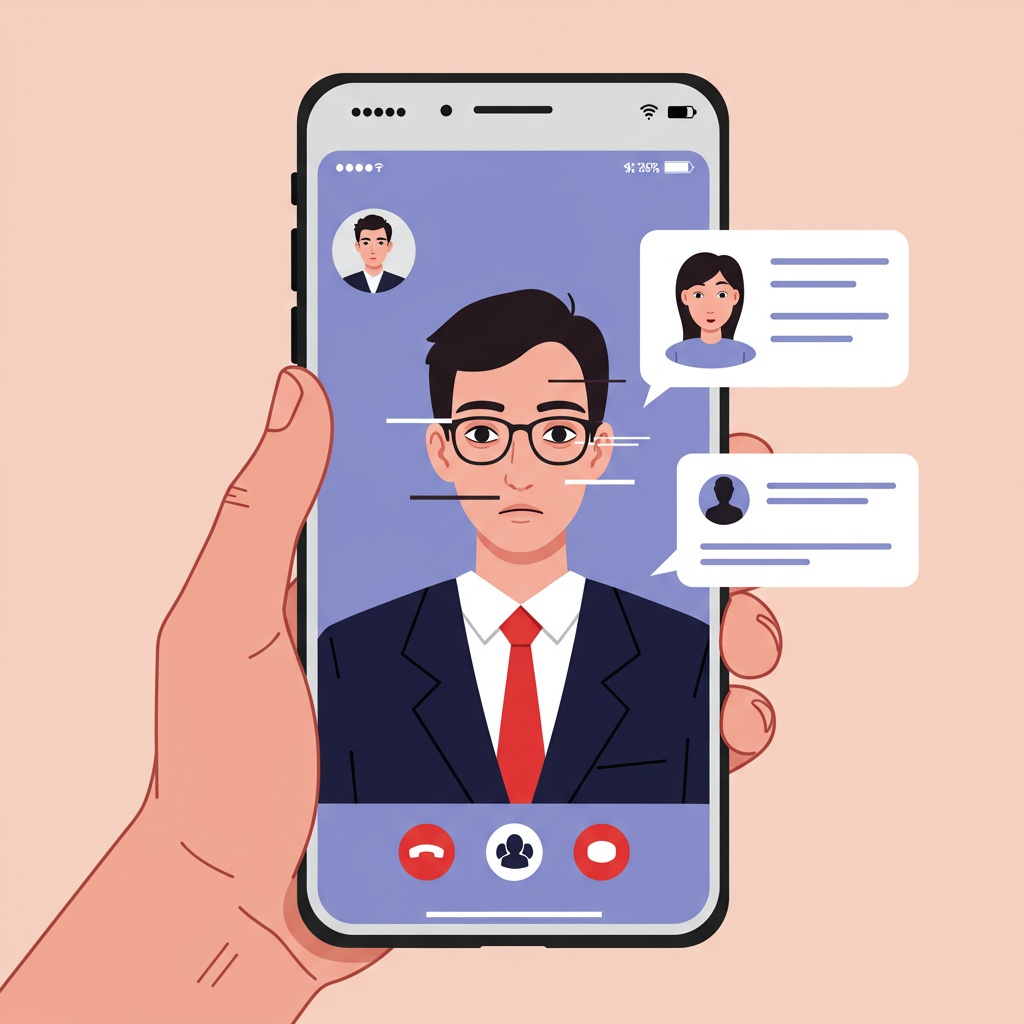
Illustration of a deepfake video call on a phone
A) Reply to the email expressing your gratitude and asking about your new start date.
B) Click the link in the video to update your tax information.
C) Log in to the company HR portal (using a bookmark or official link, NOT the one in the email) to verify the promotion.
D) Report the email and video as suspicious using the "Report Phishing" button.

Quiz Complete: Key Takeaways

Phishing (Vishing & Smishing): Watch out for suspicious links, urgent requests, lack of personalization, poor grammar, and emotional manipulation. Always report, never click or reply. Hang up on suspicious callers.

Spam: Be cautious of enticing ads. The safest action is to delete the message and block the sender.

Malware: Look for slow performance, strange pop-ups, and unexpected behavior. Contact IT immediately if you suspect your device is infected.

AI-Driven Attacks: Be wary of any unsolicited communication, even if it seems to be from a familiar source. Verify all requests through official channels.
An illustration of a training completion badge

How to Report Phishing in Microsoft 365

Your vigilance is crucial. Reporting suspicious emails allows our IT team to block threats and protect everyone.

It is every staff member's duty and responsibility to report suspicious activities.

Use the "Report Message" Button in Outlook

With your Microsoft 365 E3 license, you have a powerful tool to report phishing directly within Outlook (desktop, web, or mobile):

  1. Select the suspicious email in your inbox.
  2. Look for the "Report Message" button on the Outlook ribbon (usually in the "Home" tab).
  3. Click it and select "Phishing" (or "Junk" if "Phishing" isn't directly available).
  4. Confirm your choice. The email will be sent to our IT security team for analysis and removed from your inbox.

This action directly alerts Microsoft and our security team, helping to protect the entire organization.
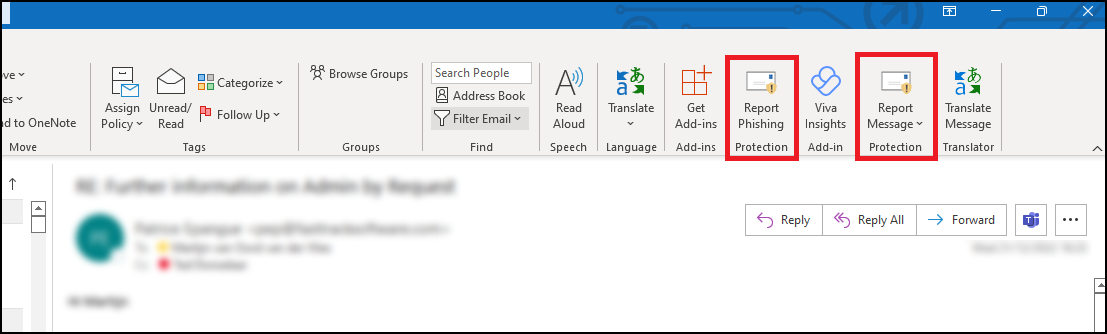
Illustration of a Report Message button in Outlook

AI-Powered Phishing Analyzer

Still not sure? Paste the email content below to get an instant AI analysis.

You Are Our First Line of Defense!

Protecting our company is a team effort.

When in doubt, report it out!

Use the "Report Phishing" button or forward the email to the IT security team.